In this video, Robert walks us through some useful features of the Zenmuse XT Radiometric thermal camera and gimbal system.
The temperature alert feature is great for quickly finding hot and cold spots very quickly, as they are highlighted with a red or blue dot on the screen. For on-the-go analysis of a smaller area, you can set a perimeter on the screen for a quick spot check. A separate high-temperature alert is available as well, with the ability to set a threshold for the alert that will pop up when any pixel in the frame reaches the set temperature.
The radiometric FLIR cameras also give you the option of detailed post-flight analysis in the form of FLIR Tools+. With FLIR tools you can go back into images taken with the XT (radiometric) and do a complete analysis with each pixel giving an individual temperature reading. This option (as well as the features above) are not available with the standard Zenmuse XT, only on radiometric options.

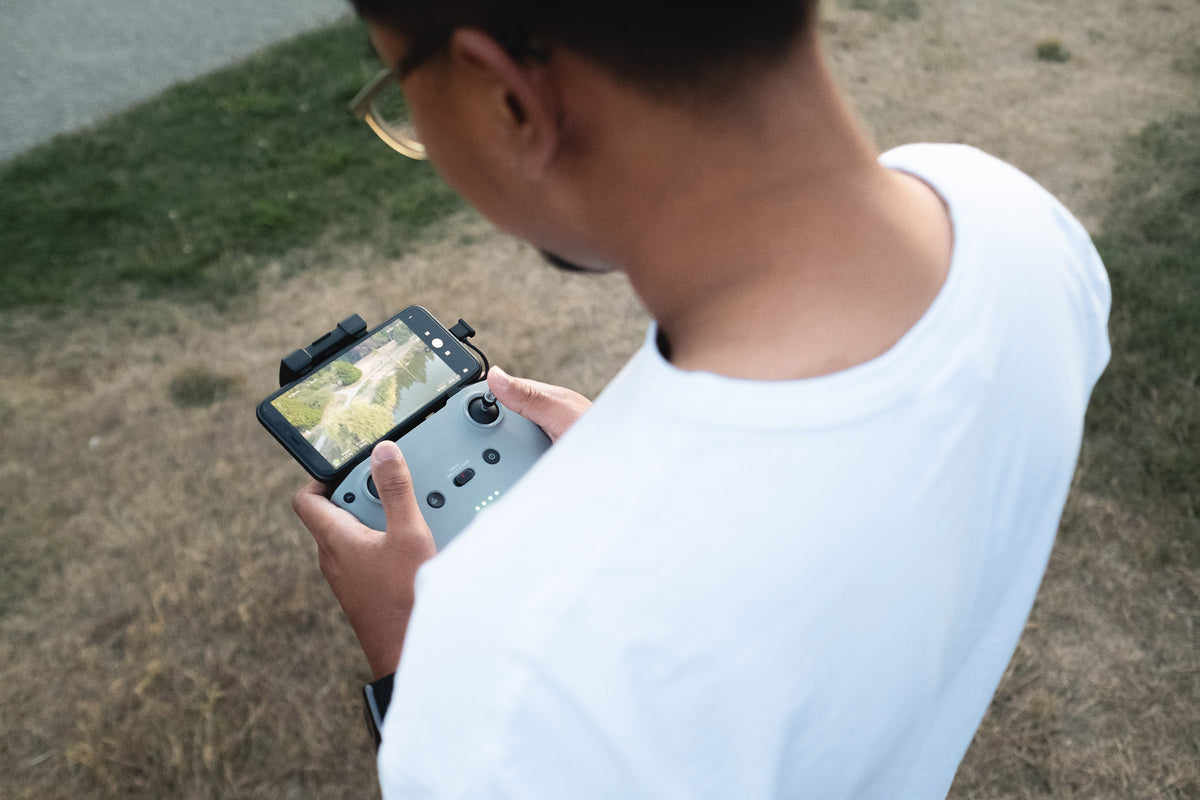
Having the live view on your mobile device is extremely helpful as well. We took the XT up to take a quick look at the A/C units and ended up finding some problem spots on the roof that we may not have caught otherwise. Also, certain color palettes will show what you need more easily than others, and you have the option to switch between them on the spot. In addition to that, it always helps to make sure you can see what exactly it is that you’re photographing since otherwise, what’s the point?
As Robert points out in the video, it is incredibly helpful as well to have an optical camera to reference in conjunction with the thermal images to see if there is an anomaly in your image. For example, the moisture spot in the video could be a pool of water from rain or sprinklers that has yet to evaporate. In our case, there are no sprinklers nearby that reach that height, nor has it rained in quite a while, so we know that moisture is coming from elsewhere. A simple FPV camera setup on the Inspire can get you a rough view for reference, but an aircraft like the Matrice 210 can offer an HD controllable (and stabilized) image for reference in later analysis.

If you need a thermal drone solution, call our thermal experts at DSLRPros.com. We can custom tailor a thermal drone solution for your use and budget.
Contact us today!
Phone: 213.262.9436
Email: sales@DSLRPros.com