
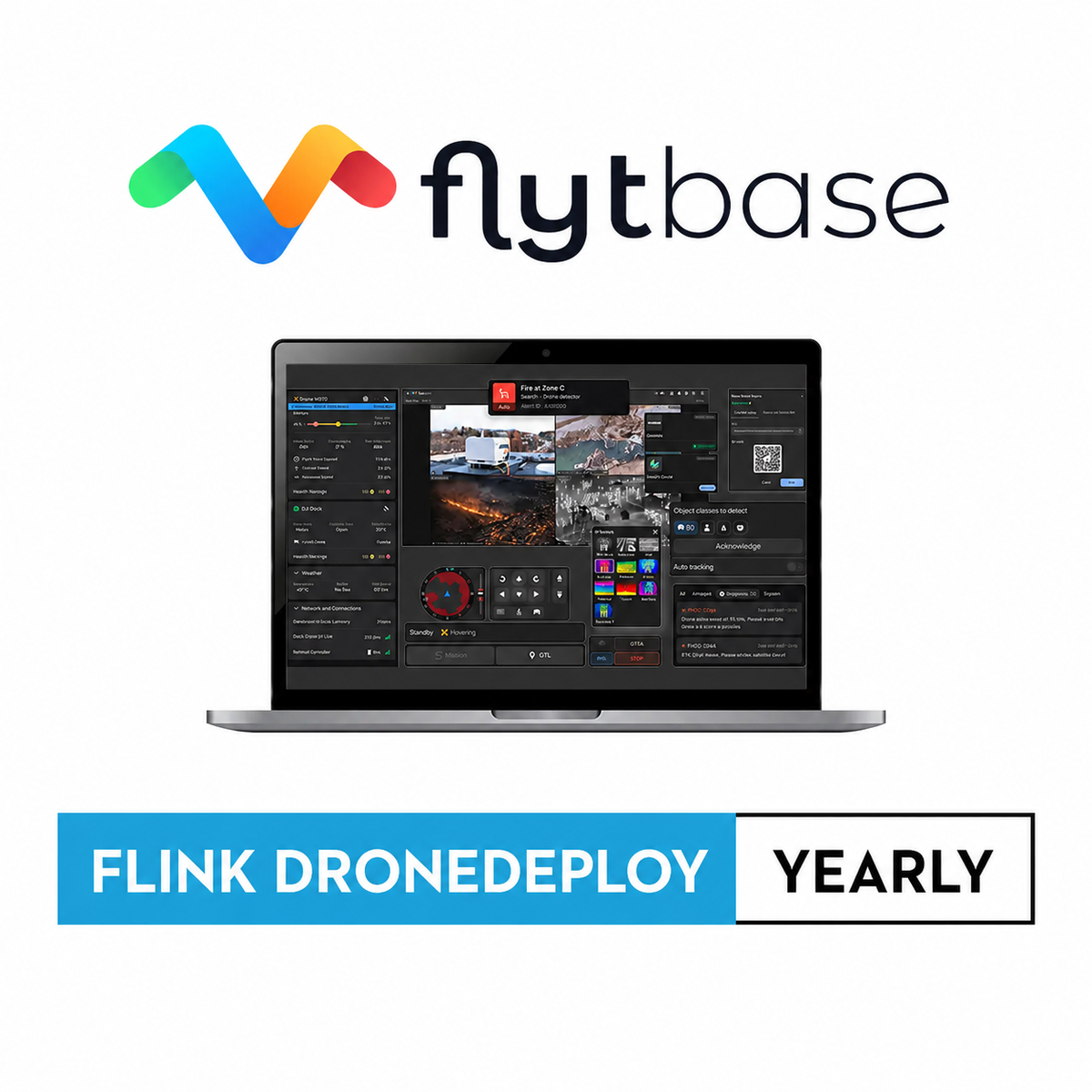
V-FB-DDEPLOY
FlytBase Flink DroneDeploy Yearly
Product Summary
This annual Flink connects FlytBase directly to DroneDeploy, turning dock or manual mission imagery into digital twins for change detection, construction monitoring, and project management throughout a site's lifecycle. An optional automated media sync feature can route files from specific missions straight to DroneDeploy, removing the manual export step between flight and usable data. DSLRPros configures the integration as part of your account, including automated sync where needed.
Key Features
In the Box
Vendor: Flytbase
MPN: FB-FLINK_DroneDeploy_YEARLY
Fulfilled by: DSLRPros
Couldn't load pickup availability
Pickup available at EUAS
Usually ready in 24 hoursAll about the
FlytBase Flink DroneDeploy Yearly
Product Details & Specifications
Description
FlytBase Flink DroneDeploy Yearly: Automated Digital Twin Creation for Your Dock Program
FlytBase Flink DroneDeploy Yearly connects FlytBase to DroneDeploy through a ready, off the shelf integration billed annually. Field teams use the Flink to turn dock or manual mission data into digital twins of a site.
Teams use these digital twins for change detection, construction monitoring, and project management throughout a site's lifecycle. An optional automated media sync feature can also be configured to send files from specific missions directly to DroneDeploy.
Flink Features and Capabilities
- Ready made Flink: prebuilt integration connects FlytBase directly to DroneDeploy.
- Digital twin creation: build accurate site models directly from mission imagery.
- Change detection support: compare site conditions across missions over time.
- Optional media sync: automate file delivery to DroneDeploy for select missions.
This Flink exists to remove the manual steps between flying a mission and getting usable data into DroneDeploy. It keeps site documentation current without a separate export process.
DSLRPros sets up the FlytBase to DroneDeploy Flink as part of your account, including the optional automated media sync if your workflow needs it. Order the FlytBase Flink DroneDeploy Yearly plan through DSLRPros, and contact our team to configure automated sync for specific missions.
Key Features
Specifications
What's in the Box?
DSLRPRosCare Extended Warranty
DSLRPROS DJI Care is our exclusive extended warranty program, designed to give you peace of mind and extra protection for your drone investment.
- Coverage Length: 13 months from the date your product ships
- What’s Covered: Accidental damage from pilot error, collisions, drops, water exposure, signal interference, and internal malfunctions
- What’s Not Covered: Intentional misuse, modifications, loss or theft, cosmetic wear, consumables (like propellers or batteries), or operation outside manufacturer guidelines
- Replacements: One replacement during the coverage term. Replacement may be new or refurbished. If unavailable, we’ll provide a product of similar capability.
- How to File a Claim: Notify support@dslrpros.com within 7 days of an incident. Ship the product using the label we provide.
- Eligibility: Policy must be purchased before your product ships from DSLRPROS. Coverage applies only to the original purchaser.
Simple, clear protection—so you can focus on flying, not worrying.
Frequently Asked Questions
More questions? Speak with an Expert.
What does the FlytBase Flink for DroneDeploy do?
Can I automatically send mission files to DroneDeploy?
What can I use the digital twins for once they're created?
DSLRPros Verified Reviews
Verified DSLRPros Reviews & Ratings
Inquire about the FlytBase Flink DroneDeploy Yearly
Our experts are here to help answer any questions you might have.
Thanks -- we got it.
Thanks! A drone specialist will be in touch within one business day.